

From vehicle deposits, part payments and online reservations to card terminals, bank transfers and pay later, there are more payment methods than ever for dealerships to offer. But how do you make sure every payment is recorded against the right sale?
Customers expect convenience when buying a vehicle. Some want to reserve a car online outside showroom hours. Others prefer to pay a deposit over the phone, complete a purchase remotely or settle the balance in person when they collect their vehicle.
For dealerships, offering different ways to pay can make the buying process easier. But there's another consideration: making sure payments are properly recorded, matched to the right deal and reflected in your accounts.
In this guide, we'll explain the main payment methods car dealerships can offer, what they cost, how to manage risk and how car dealership payment solutions that connect to your sales and accounts can help.
How Do Online Vehicle Deposits And Reservations Work?
An online reservation gives customers the opportunity to secure a vehicle without having to visit the dealership first. It's also one of the website features that turn more visitors into buyers.
A customer browsing your website can choose a vehicle, pay a deposit and submit their details. The dealership receives the reservation, and the vehicle can be marked as reserved so other customers know it is no longer available to buy in the usual way.
This can be particularly useful outside business hours. Someone browsing vehicles in the evening doesn't necessarily want to wait until the next morning to express their interest.
For more on selling online, read our guide: How Modern Dealerships Convert More Buyers Online
The amount you request as a deposit, whether it is refundable and how long a vehicle is held are decisions for the dealership. These should be made clear to customers before they pay, along with the terms and conditions of the reservation.
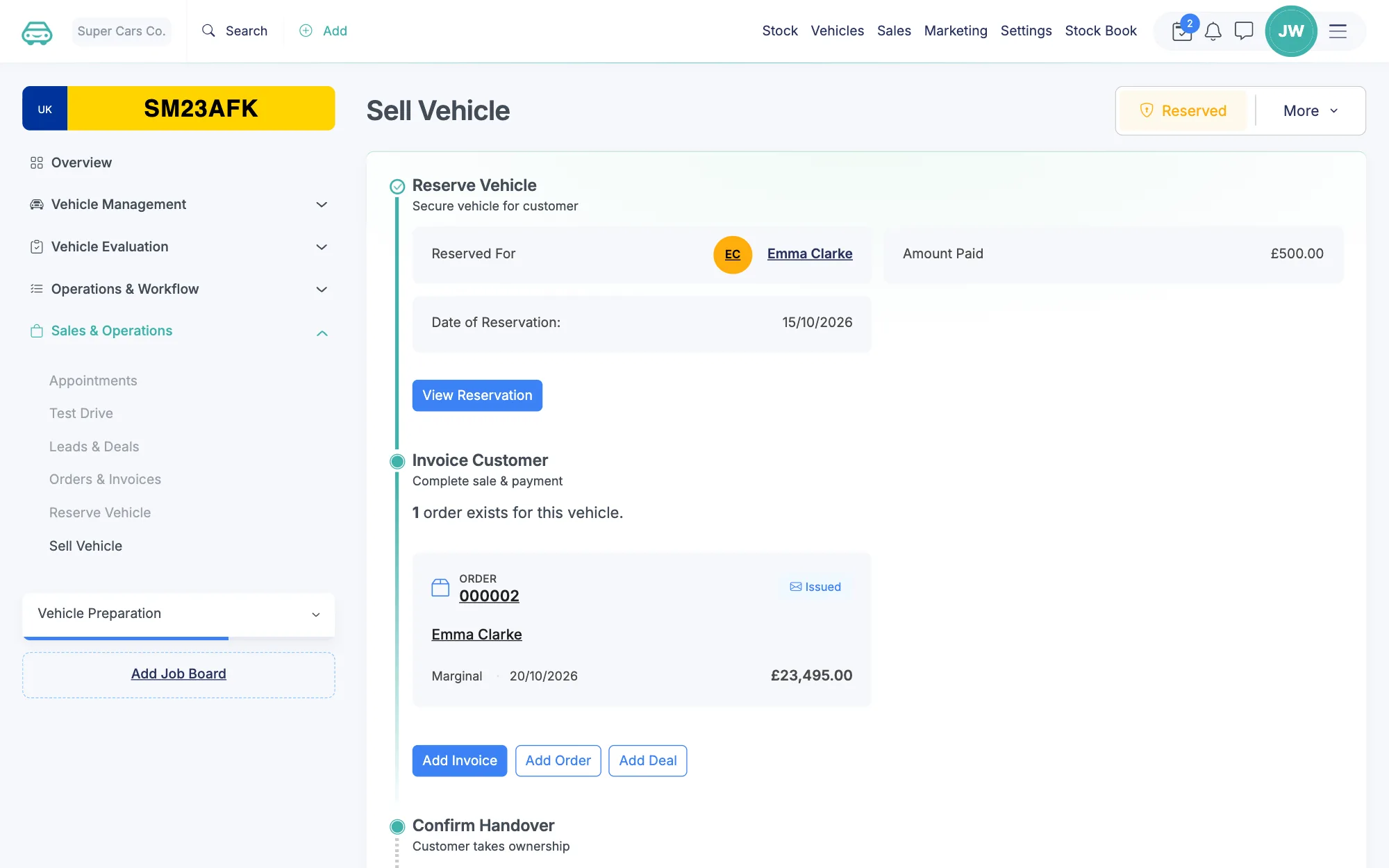
With MotorDesk, online reservations and deposits are connected to the vehicle and the relevant deal. A deposit taken overnight can already be recorded against the car by the time your team opens the next morning.
What Are The Main Payment Options For Car Dealers?
There isn't one payment method that suits every customer or transaction. A deposit, a part payment and a final vehicle balance can all have different requirements.
The main options available to dealerships include:
Online Card Payments
Debit and credit cards are familiar to customers and offer a straightforward way to pay online. They are commonly used for reservations and deposits, but can also be used for invoice payments.
Payment providers charge processing fees, which can vary depending on the provider, card type and agreement. It's worth comparing these costs, particularly when taking larger payments.
Pay By Bank And Open Banking
Pay by Bank allows customers to approve a payment through their own banking app, rather than manually entering bank details and arranging a transfer.
It provides another option for deposits and larger payments, without relying on card processing. The customer authorises the payment through their bank, and the transaction can be recorded against the relevant deal or invoice.
Card Payments In Person
Not every customer wants to pay online. Some prefer to complete the transaction at the dealership, particularly when collecting their vehicle.
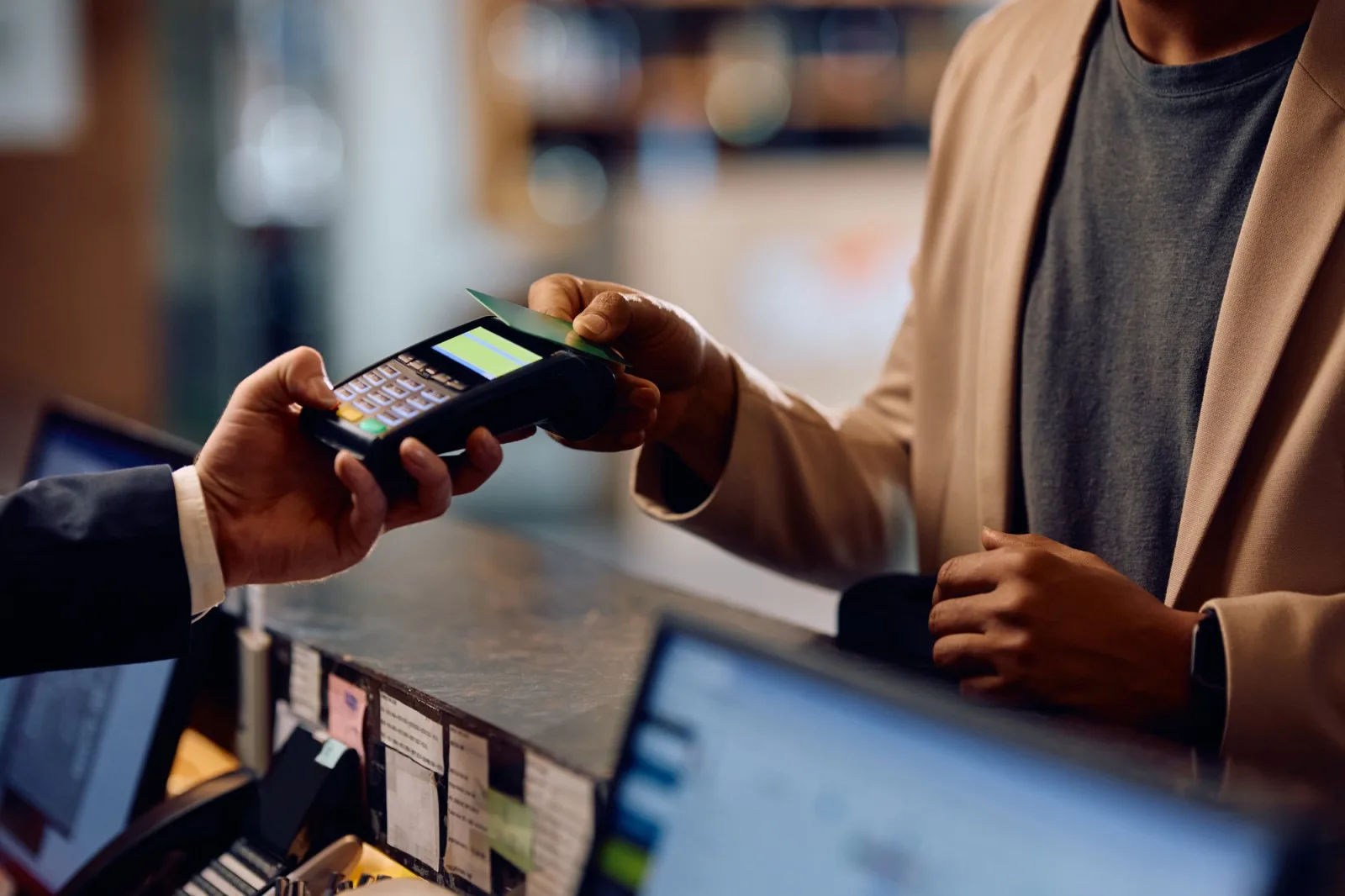
An integrated card terminal can make this easier for staff. Rather than entering an amount into a standalone card machine and then manually recording the payment, the invoice or reservation can be sent directly to a paired terminal, and the payment status comes back automatically.
Pay Later Options And Part Payments
Some customers would rather spread the cost or pay a little later. Pay-later options are credit, so they're provided by a lender, subject to the customer's eligibility, and late payment fees may apply.
Part payments are different: they let a customer pay towards an invoice in more than one payment, such as a deposit and then the balance. Dealerships can set their own rules, including minimum and maximum amounts and deposit limits.
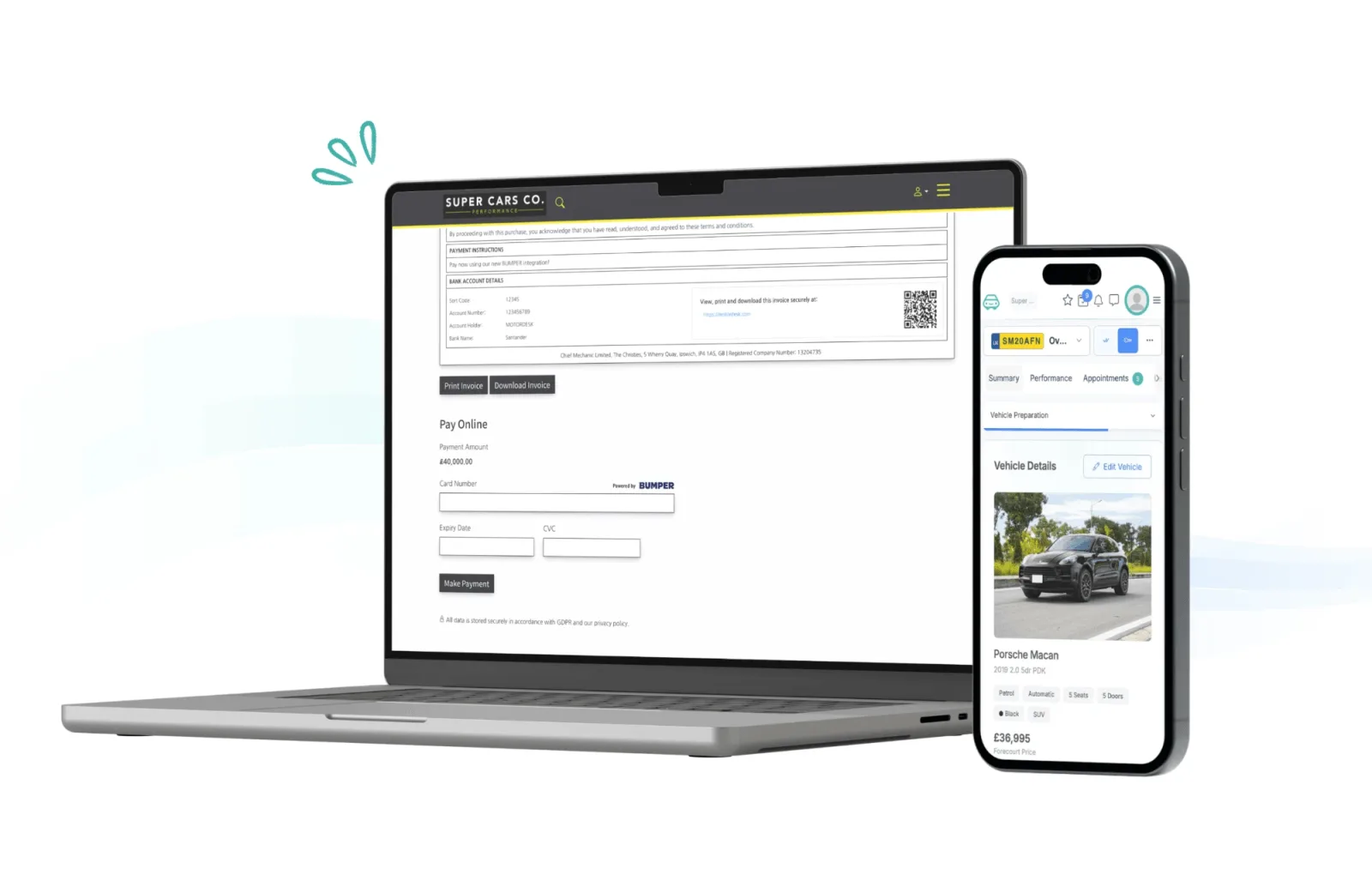
MotorDesk supports online card payments through Stripe, takepayments and Acquired.com, which is available with reduced fees. takepayments terminals pair with MotorDesk for in-person payments, and Bumper adds Pay by Bank and card payments to the checkout and invoices, along with its PayLater and Pay in 30 options. Both are credit provided by Bumper.
What Does Car Dealership Payment Processing Cost?
Payment fees are an important consideration, but the cheapest headline rate isn't necessarily the best option for every dealership.
When comparing providers, look at:
- Transaction fees: a percentage, a fixed amount or a combination of both
- Monthly costs: ongoing subscription or terminal charges
- Card types: whether debit, credit and commercial cards have different rates
- Refunds: how refunds are processed and whether they carry a charge
- Integration: whether the provider connects to your dealership software, or transactions need recording separately
The cost of taking a payment is only part of the picture. Time spent checking bank statements, matching transactions and correcting records also has a cost.
Choosing a payment setup that connects to your sales and accounting processes can help reduce that additional administration.
How Can Dealerships Reduce Payment Risk?
Taking payments online and over the phone is convenient, but it's worth setting clear limits so a single transaction can't expose the business to unnecessary risk.
Things to consider include:
- 3-D Secure checks on online card payments
- A maximum amount for card payments
- Deposit limits on online reservations
- Minimum and maximum part payment amounts
- A purchase limit per customer
Sending customers a secure link to pay also means they don't have to read their card details out over the phone.
How Do You Manage Payments, Invoices And Refunds?
A customer might pay a deposit online, make another payment before collection and settle the remaining balance using a card terminal. If each payment is handled separately, your team needs to make sure every transaction is recorded against the correct sale.
This is where integration between payment providers and dealership software becomes important. Ideally, every payment and refund sits against the reservation, invoice or deal it relates to, and flows through to your accounts without being re-keyed.
In MotorDesk, card payments, Pay by Bank and pay-later transactions are recorded against the relevant reservation, invoice or deal, and a customer can make several payments towards one invoice. Refunds are made from the invoice, and everything synchronises with Xero, QuickBooks or Sage.
Can Customers Apply For Finance As Part Of The Buying Process?
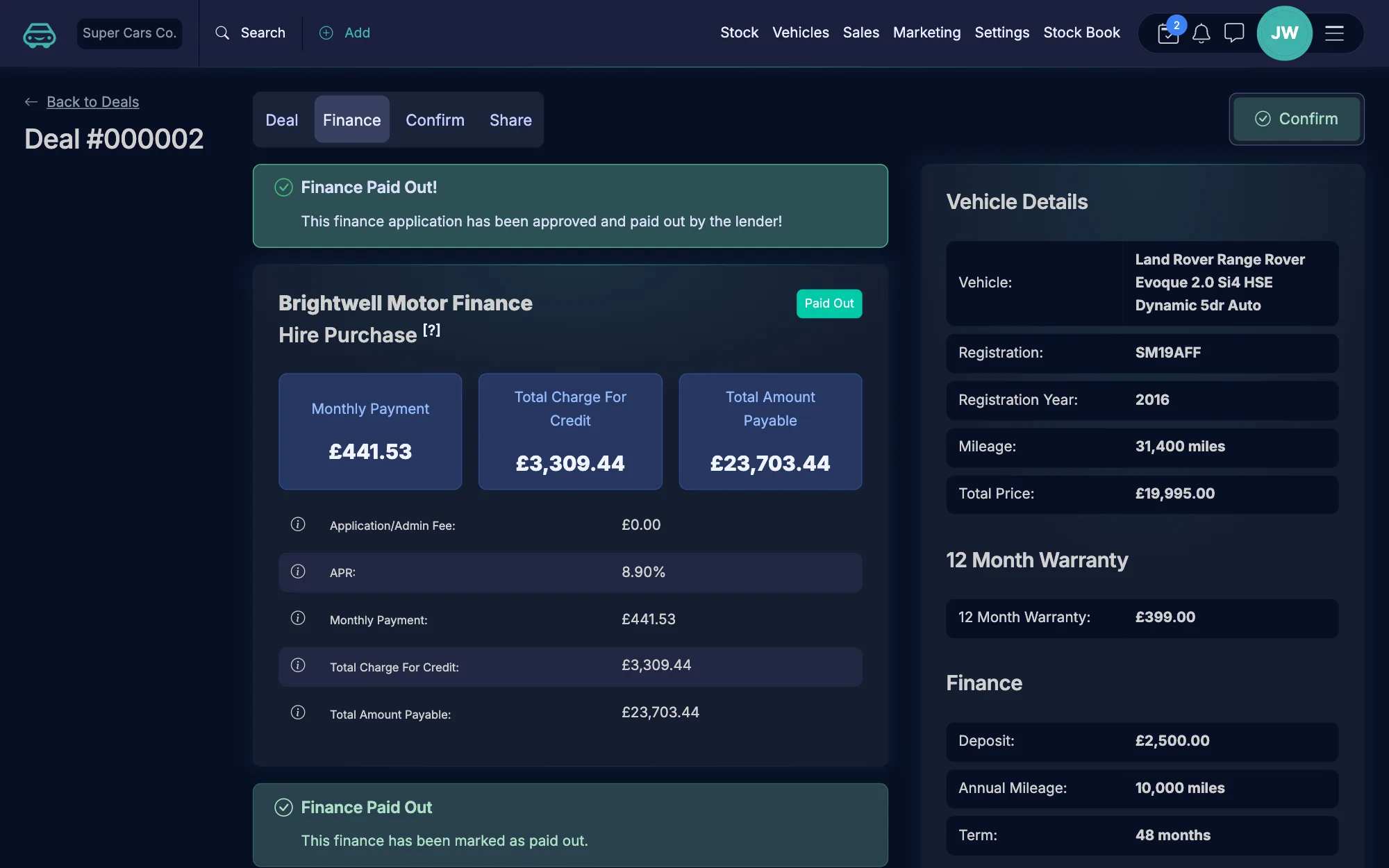
Yes. Finance quotes and applications can sit alongside the deal, although finance is different from taking a payment by card or bank transfer.
Many customers start their search with a monthly budget in mind. Being able to explore finance options and make an application can help them understand what a vehicle might cost and decide whether it is right for them.
Dealerships can incorporate finance quotations and applications into their sales process, keeping the relevant information alongside the vehicle and customer deal rather than relying on disconnected forms and systems.
Finance availability depends on the dealership's provider arrangements. Dealers who introduce customers to finance need to be FCA authorised, usually as a credit broker or as an appointed representative of an authorised firm, and must give customers clear information, including how any commission works.
Can You Take Payments Without Offering Full Online Buying?
Yes. Offering online payments doesn't mean you have to let every customer complete an entire vehicle purchase through your website.
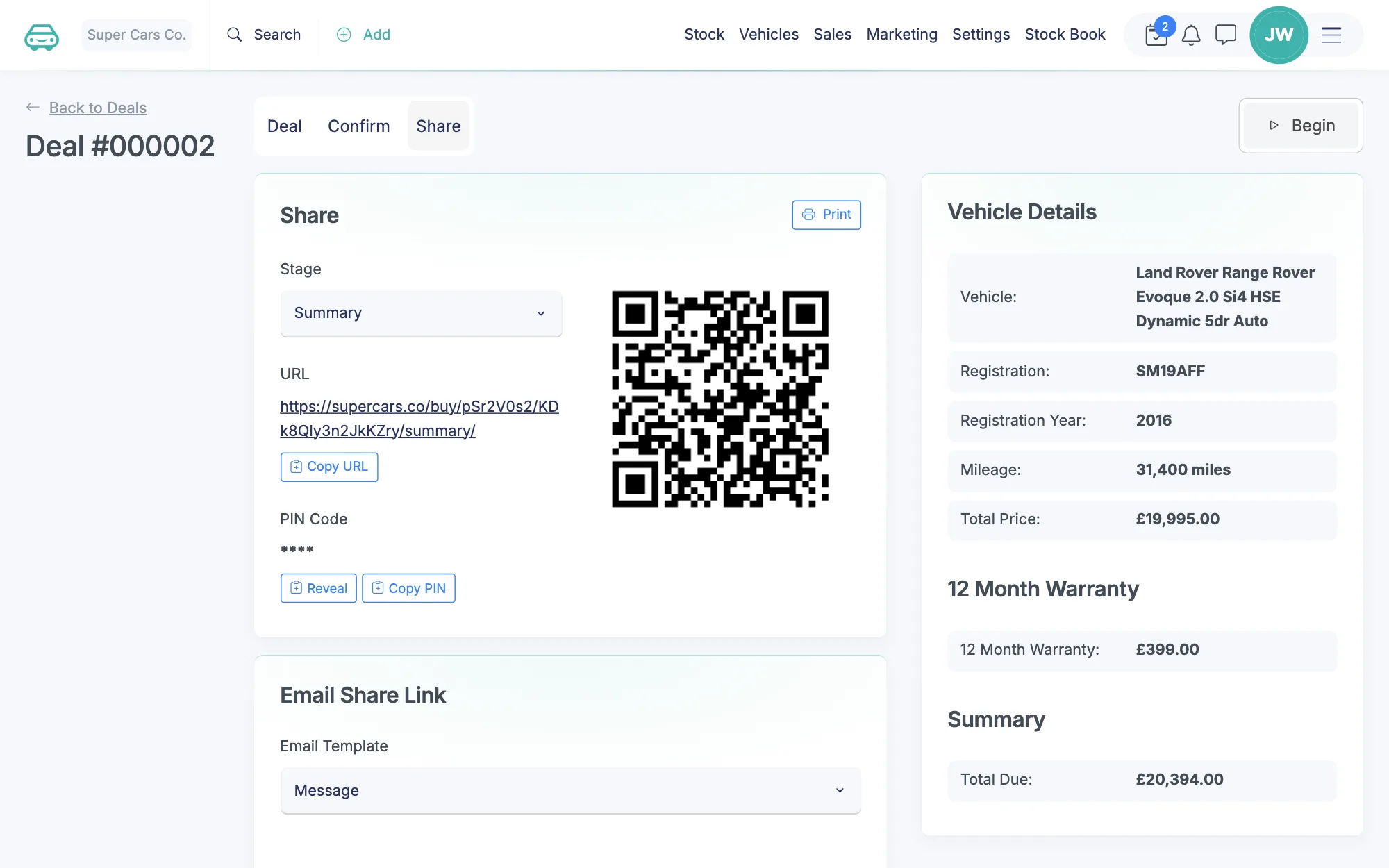
For example, your sales team might agree a deal with a customer over the phone or in the showroom. They can prepare the deal and share it with the customer, who can then review the details and make a payment remotely.
This is useful for collecting deposits, taking payments before collection or allowing customers to settle an invoice without having to provide card details over the phone.
It also means the dealership can offer more convenient payment options while keeping control of how much of the buying process takes place online.
If enquiries aren't turning into sales, read our guide: Why Dealership Leads Don't Convert (and How to Fix it)
What Should Dealerships Look For In Payment Software?
When reviewing payment providers or dealership software, consider the whole process, not just how customers pay.
Ask yourself:
- Can customers reserve vehicles and pay deposits online?
- Are multiple payment methods available, including card and Pay by Bank?
- Can customers make part payments towards an invoice?
- Can staff take payments through an integrated card terminal?
- Are transactions automatically recorded against the correct deal or invoice?
- Can refunds be processed and recorded in the same place?
- Does payment information connect with your accounting software?
- Can you share deals and payment requests with customers without requiring full online buying?
The right setup should make paying straightforward for customers and reduce the amount of administration involved for your team.
Online payments are only one part of the process. When reservations, deals, invoices, payments and accounts are connected, there's less need to move between systems or manually match transactions at the end of the day.
For a wider look at the systems dealers rely on, read our guide: What Software Do Car Dealerships Use?
Key Takeaways
Customers expect a choice of ways to pay, from online deposits and Pay by Bank to card terminals and pay-later options.
Compare payment providers on fees, refunds and integration, not just the headline transaction rate.
Clear limits on card payments, deposits and part payments help you manage risk.
Every payment and refund should be recorded against the right reservation, invoice or deal, and flow through to your accounts.
You can take deposits and payments online without offering full online buying.
Frequently Asked Questions
Can A Customer Pay A Deposit Online And The Balance In Person?
Yes. A customer can reserve a vehicle with an online deposit and pay the remaining balance by card terminal or bank transfer when they collect it. As long as each payment is recorded against the same invoice or deal, the balance stays accurate.
Is Pay By Bank The Same As A Bank Transfer?
No. With Pay by Bank, the customer approves the payment in their own banking app instead of typing in your bank details and arranging a transfer themselves. It also avoids card processing fees.
Can Refunds Be Made On The Invoice?
Yes. In MotorDesk, a refund/credit note is made on the invoice it relates to and synchronised with your accounting software, so the sale and your accounts stay consistent.
What Is A Payment Gateway?
A payment gateway is the service that securely processes card payments between your customer, their bank and your business. Providers such as Stripe and Acquired.com charge fees on each transaction, which vary by provider and card type.
Get Started
If you'd like to see how your business could run with MotorDesk watch a MotorDesk demo or start a free trial.