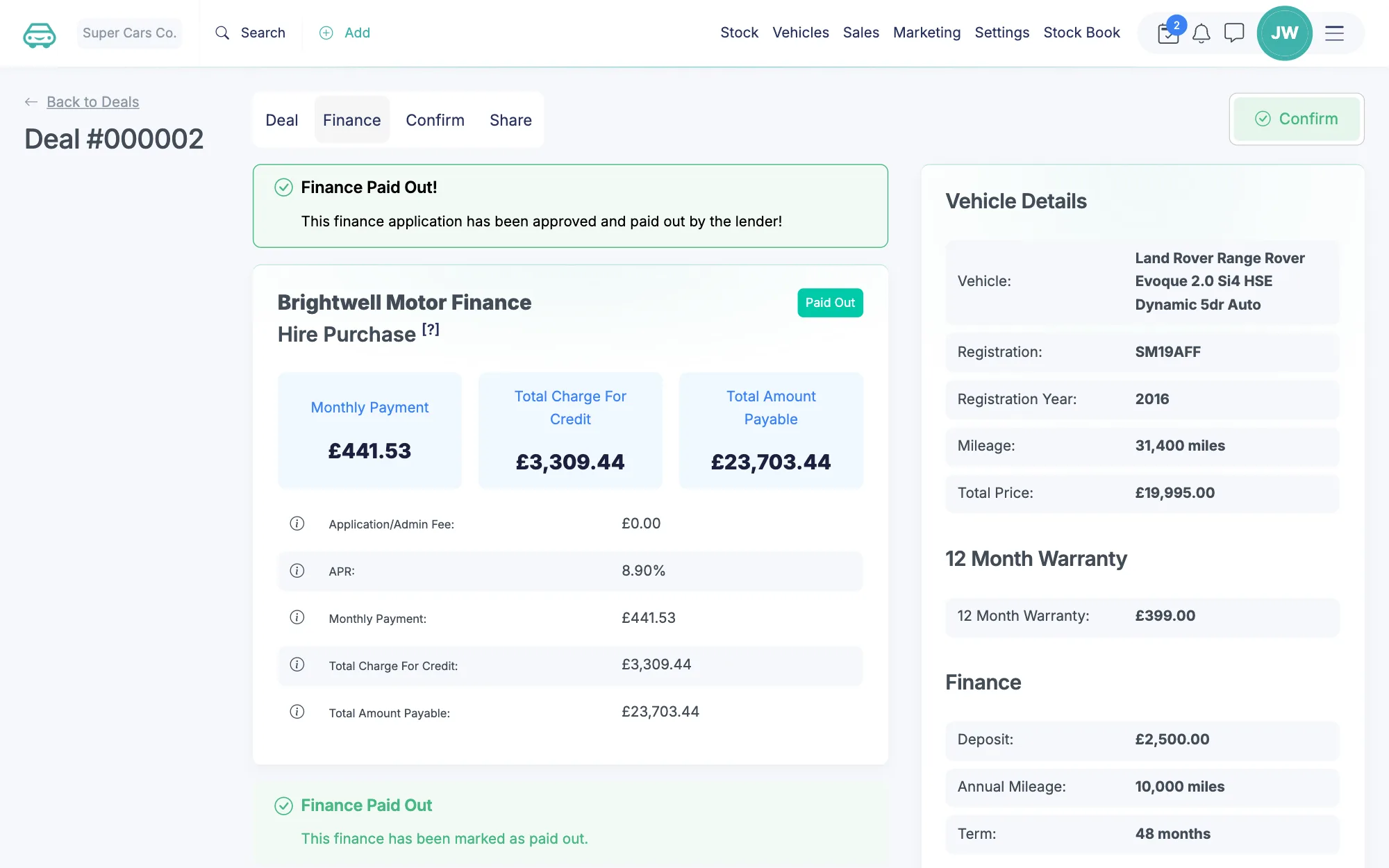
Online deposits and payments.
Reservations and invoices paid by card on your website through Stripe, Acquired or takepayments, with 3-D Secure.
A reservation deposit taken at midnight is on the car by morning.





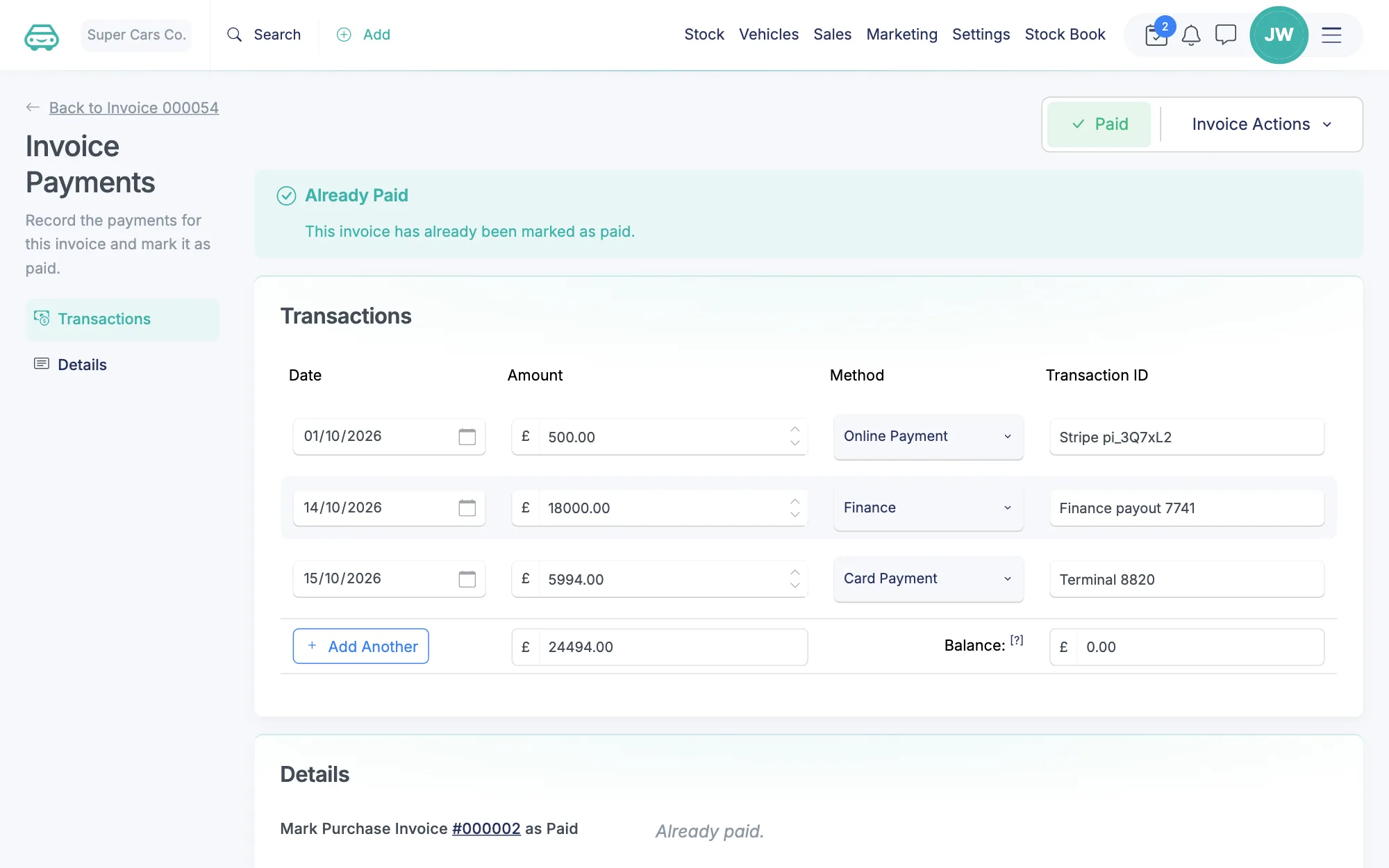
Card online, terminal on the desk, bank transfer, pay-later, part payments - every route lands on the deal, the invoice and your accounts, with refunds handled from the same place.
Reservations and invoices paid by card on your website through Stripe, Acquired or takepayments, with 3-D Secure.
A reservation deposit taken at midnight is on the car by morning.
takepayments terminals paired to MotorDesk: push an invoice or reservation to the handheld, status comes back automatically, and end-of-day reconciliation stops being manual.
No re-keying the terminal total.
Bumper brings Pay by Bank, PayLater, Pay in 30 and card payments to the checkout and to invoices.
More ways to say yes.
Instalments with minimums and maximums, deposit limits, card caps and a per-customer purchase limit.
Flexible for the customer, safe for you.
One story from deposit to bank.
Online card payments - takepayments also pairs card terminals on the desk, and Acquired.com comes at reduced fees. Every payment is recorded against the reservation, invoice or deal.


Bumper - Pay by Bank, PayLater, Pay in 30 and card.

Choose your providers under Settings → Connections → Payments and enter your credentials.
Pair terminals to MotorDesk if you use them.
Set deposit, part-payment and card limits for the checkout.
A customer reserves online with a deposit; on collection day the balance goes on the terminal and lands on the same invoice; the accounts already know.

“By far the best and most user friendly DMS we have used to date.”
Mike Cowap, MSC Motors, Stoke-on-Trent ·

“Way ahead of its competitors - we sell cars online, Cazoo style”
Richard Norris, Drive Green, the UK's largest EV specialist ·
Stripe, takepayments (online and card terminals), Acquired and Bumper.
Yes - takepayments terminals pair to MotorDesk, take the invoice or reservation pushed to them, and report back automatically.
Yes - part payments with the minimums, maximums and limits you set, and Bumper's pay-later options.
From the invoice, recorded against the document and synced to your accounts.
Try every feature free for 30 days. No payment details, no contract.
 5.0
Google Reviews
 5.0
On Google Play
 5.0
App store
 5.0
On Capterra
 Winner
 Winner
 Finalist
 Finalist
 Finalist
 Finalist
 Finalist