
On this page
Reports
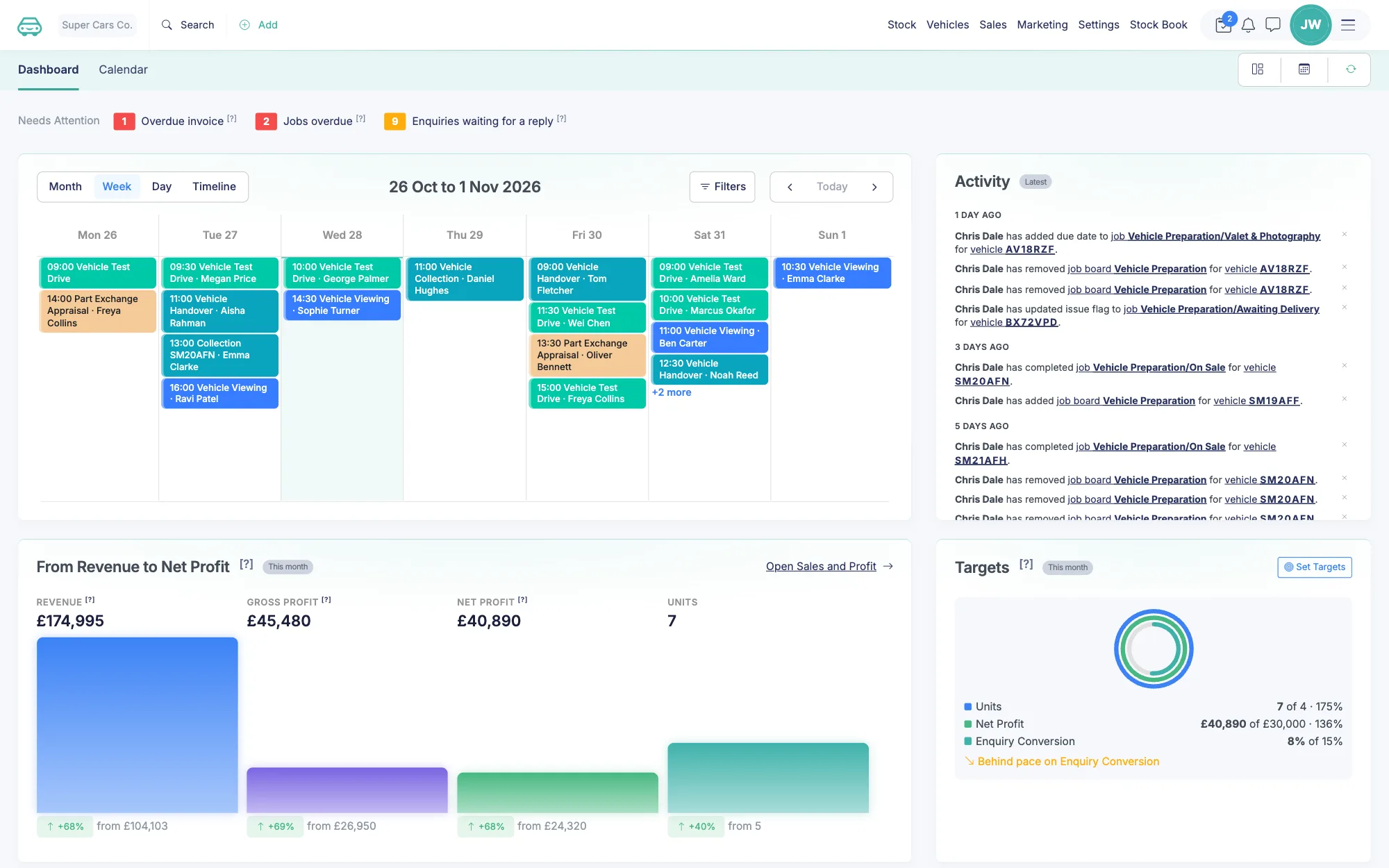
Read the reports from the dashboard's Reports section: GET /reports lists the reports the business can run, and GET /reports/{id} runs one for a period and returns every widget's figures, the same figures as the page. Listing needs reports:read; running a report also needs vehicle-pricing:read and contacts:read, as reports carry costs, profit and customer names.
The Report Object
Generated from the OpenAPI schema. Always matches the live API.
Fields (14)
| Attribute | Type | Required | Description | Example |
|---|---|---|---|---|
id | string | - | sales-profit | |
name | string | - | Sales and Profit | |
group | string | - | Sales | |
description | string | - | ||
source | string or null | - | The rows the report reads: sale, stock, invoice, product, lead, salesman, user, deal, exchange, movement, turn, payment, purchase, debtor, appointment, customer, checkout, website, advert, guidance, commission or opportunity. Null for a report made of sections of other reports. | sale |
default_period | string | - | this_month | |
default_basis | string or null | - | invoice_date | |
bases | object | - | The date bases the report can switch between, keyed by basis with a label; empty when the report counts on one date. Accrual reports count on the invoice date by default; cash reports on the payment date. | |
filters | object | - | The filters the report accepts besides the period: primary (on the report bar) and advanced (under More filters). Values are user, sale_type, branch, product_category, supplier, body and fuel; any other is refused. | |
filters.primary | array of string | - | ||
filters.advanced | array of string | - | ||
comparison | boolean | - | Whether the report compares the period with the one before. | |
add_on | string or null | - | The permission a chargeable report needs on the plan (limit_branch, from the Branch add-on), or null. | limit_branch |
widgets | array of object | - |
Example object
{
    "id": "sales-profit",
    "name": "Sales and Profit",
    "group": "Sales",
    "description": "",
    "source": "sale",
    "default_period": "this_month",
    "default_basis": "invoice_date",
    "bases": {},
    "filters": {
        "primary": [
            "user"
        ],
        "advanced": [
            "user"
        ]
    },
    "comparison": false,
    "add_on": "limit_branch",
    "widgets": [
        {
            "id": "headline",
            "type": "kpi",
            "title": "",
            "metrics": [
                {
                    "key": "net_profit",
                    "label": "Net Profit",
                    "format": "",
                    "with": {
                        "key": "net_profit_percentage",
                        "label": "",
                        "format": ""
                    }
                }
            ],
            "dimension": "",
            "columns": [
                {
                    "key": "",
                    "label": "",
                    "format": ""
                }
            ]
        }
    ]
}
Endpoints
GET List Reports
GET /2.0/reports · scope reports:read
List the reports the business can run: id, name, group, source, default period and basis, the date bases and filters each accepts, and the widgets each draws. The meta block lists the period presets.
Parameters (1)
| Parameter | In | Type | Required | Description | Example |
|---|---|---|---|---|---|
fields | query | string | - | Comma-separated dot-paths to return only those fields, e.g. id,data.stock.price_channel. |
Responses
| Status | Description |
|---|---|
200 OK | List Reports |
Failures use the standard error responses (4xx/5xx) with the shared error envelope.
{
    "success": true,
    "data": [
        {
            "id": "sales-profit",
            "name": "Sales and Profit",
            "group": "Sales",
            "description": "",
            "source": "sale",
            "default_period": "this_month",
            "default_basis": "invoice_date",
            "bases": {},
            "filters": {
                "primary": [
                    "user"
                ],
                "advanced": [
                    "user"
                ]
            },
            "comparison": false,
            "add_on": "limit_branch",
            "widgets": [
                {
                    "id": "headline",
                    "type": "kpi",
                    "title": "",
                    "metrics": [
                        {
                            "key": "net_profit",
                            "label": "Net Profit",
                            "format": "",
                            "with": {
                                "key": "net_profit_percentage",
                                "label": "",
                                "format": ""
                            }
                        }
                    ],
                    "dimension": "",
                    "columns": [
                        {
                            "key": "",
                            "label": "",
                            "format": ""
                        }
                    ]
                }
            ]
        }
    ]
}
GET Run Report
GET /2.0/reports/{id} · scope reports:read
Run one report for a period and return every widget's figures, the same figures as the page. Needs vehicle-pricing:read and contacts:read as well as reports:read, as a report carries costs, profit and customer names. Query: period (a preset, default the report's own; custom needs from and to as YYYY-MM-DD, to on or after from and at most five years later; a report that looks ahead, Opportunities, takes next_30_days, next_60_days or next_90_days instead), basis (only on a report whose bases list more than one date; accrual reports default to the invoice date), and the filters the report lists under filters: user (a staff user id), sale_type (margin, vat or no_vat), branch (a branch id, with a Branch add-on on the plan), product_category (a product reporting category id, or none for Uncategorised), supplier (the contact id of a supplier), body and fuel (as the vehicle records them). A filter the report does not list is refused.
Parameters (13)
| Parameter | In | Type | Required | Description | Example |
|---|---|---|---|---|---|
id | path | string | Yes | Resource identifier in the path. | |
period | query | string | - | A period preset; the report's own when left out. custom needs from and to. A report that looks ahead, Opportunities, takes next_30_days, next_60_days or next_90_days and no other. | |
from | query | string (date) | - | The first day of a custom period, YYYY-MM-DD. | |
to | query | string (date) | - | The last day of a custom period, YYYY-MM-DD. | |
basis | query | enum | - | The date the report counts on, one of the report's bases. Accepted only where the report lists more than one: accrual reports default to the invoice date and switch to the paid or sold date; cash reports count on the payment date and take none. | |
user | query | integer | - | A staff user id: the sales, enquiries or bookings that name the user. Only on the reports whose filters list user. | |
sale_type | query | enum | - | margin, vat or no_vat on every report whose filters list sale_type; aftersale and no_vehicle as well on the reports over invoices and product lines, and reservation on those over product lines. | |
branch | query | integer | - | A branch id, with a Branch add-on on the plan. Only on the reports whose filters list branch. | |
product_category | query | string | - | A product reporting category id of the business, or none for Uncategorised. Only on the reports whose filters list product_category. | |
supplier | query | integer | - | The contact id of a supplier on the business's purchase invoices. Only on the reports whose filters list supplier. | |
body | query | string | - | A body type of the business's sold vehicles, as the vehicle records it. Only on the reports whose filters list body. | |
fuel | query | string | - | A fuel of the business's sold vehicles, as the vehicle records it. Only on the reports whose filters list fuel. | |
fields | query | string | - | Comma-separated dot-paths to return only those fields, e.g. id,data.stock.price_channel. |
Responses
| Status | Description |
|---|---|
200 OK | Report run |
Failures use the standard error responses (4xx/5xx) with the shared error envelope.
{
    "success": true,
    "data": {
        "id": "sales-profit",
        "name": "Sales and Profit",
        "period": {
            "preset": "last_month",
            "label": "Last month (01/08/2026 to 31/08/2026)",
            "from": "2026-01-01",
            "to": "2026-01-01",
            "days": 0,
            "compare_from": "2026-01-01",
            "compare_to": "2026-01-01",
            "compare_label": ""
        },
        "basis": "invoice_date",
        "filters": {},
        "notes": [
            ""
        ],
        "rows": 0,
        "widgets": [
            {
                "id": "",
                "type": "",
                "title": ""
            }
        ]
    }
}